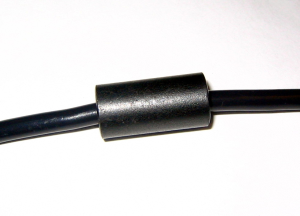
Is your radio picking up a buzz from your neighbor’s TV? Or maybe your PC speakers “talk” when you transmit? The solution is often a small piece of dark gray material: the Ferrite.
1. The Concept: The “Third Wire”
To understand ferrites, you have to rethink your coaxial cable. You might think it has two conductors (center and shield), but for RF, it actually has three paths:
- The center conductor.
- The inside of the shield.
- The outside of the shield.
In a perfect world, all the energy stays inside. But if the antenna is unbalanced, some RF “leaks” onto the outside of the shield and travels back into your shack. This is Common Mode Current. It makes your cable radiate signal inside your house, causing noise and RFI. The Ferrite acts as a wall, stopping the current on the outside while letting the signal inside flow freely.
2. Snap-on vs. Toroids
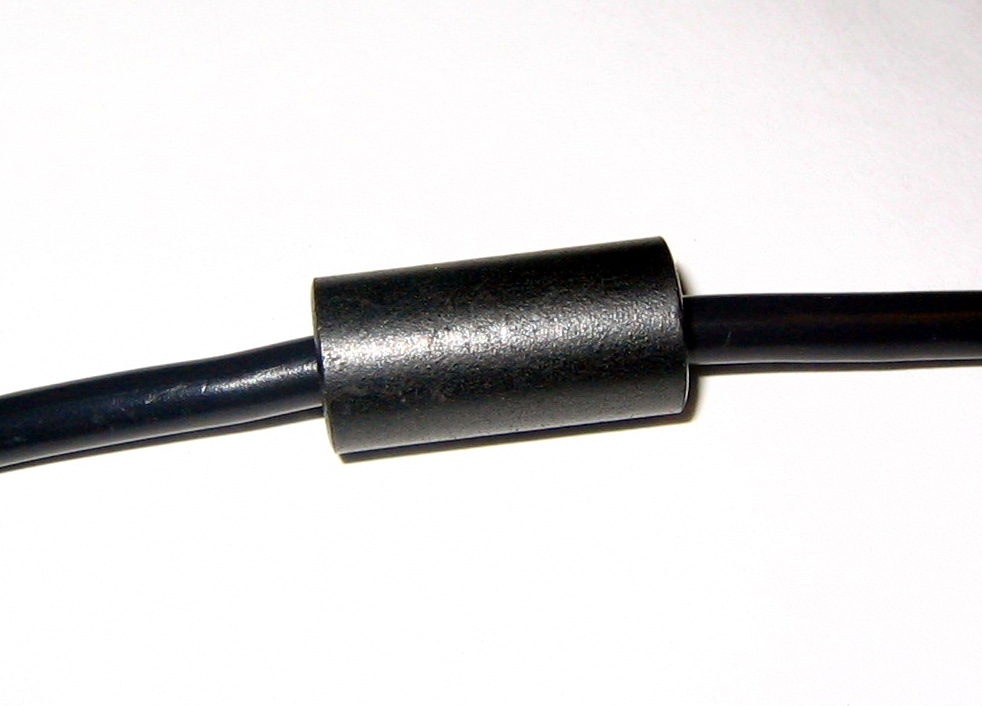
- Snap-on Ferrites: Extremely practical. You just “click” them onto your USB, power, or audio cables. Perfect for cleaning up the “shack noise.”
- Toroids (The Donut): More effective for coaxial cables. You wrap several turns of the cable through the hole to create an RF Choke.
3. Where to put them?
- At the Antenna: Right at the feedpoint to prevent the cable from becoming part of the antenna.
- At the Radio: Right before the coax enters the shack to stop any noise picked up along the way.
- On Peripherals: USB cables, keyboards, and mice are famous for picking up RF and making your computer crash!
4. Deepening and Technical Resources
- Fair-Rite – Material Selection Guide: The technical leader in ferrite manufacturing. Learn the difference between Mix 31 (low freq) and Mix 43 (VHF/UHF).
- G3TXQ – Common Mode Chokes: A legendary chart showing which ferrite works best for each frequency band.
- K9YC – Ferrite Tutorials: Jim Brown’s “bible” on RFI suppression.
Pro Tip: One turn through a ferrite is good, but three or four turns are exponentially better! The choking effect (impedance) increases with the square of the turns: doubling the turns gives you four times the protection.
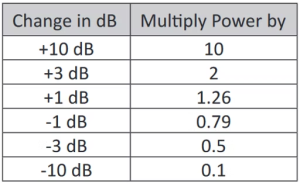
Next Step: Now that your station is quiet and safe, let’s talk about the universal language of radio: Decibels (dB). Why is a 3dB gain such a big deal?